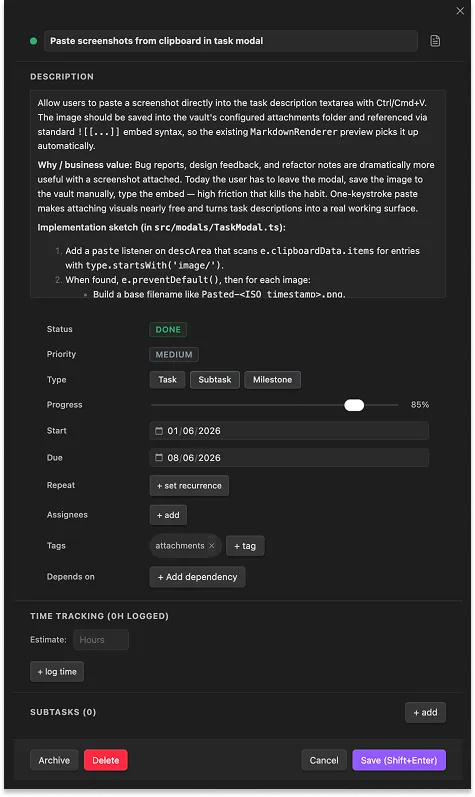
Tables, Gantt, and kanban over tasks stored as plain markdown. No database. No lock-in. Just files you own in your Obsidian vault.
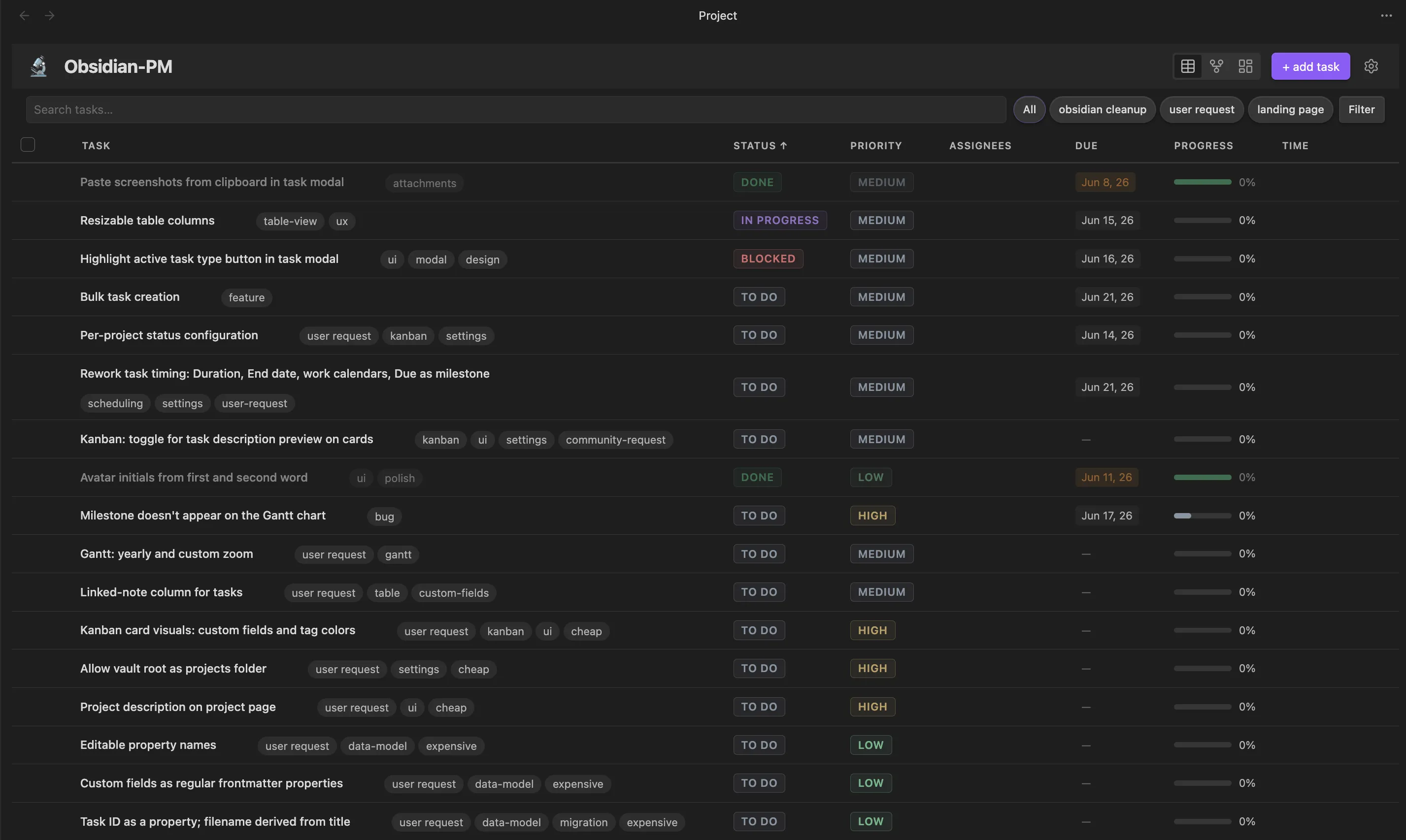
Table
Inline-edit status, priority, due date, and progress without opening a file. Filter and sort by any field, including your own. Multi-select for bulk changes across hundreds of tasks.
Read the docs arrow_forward

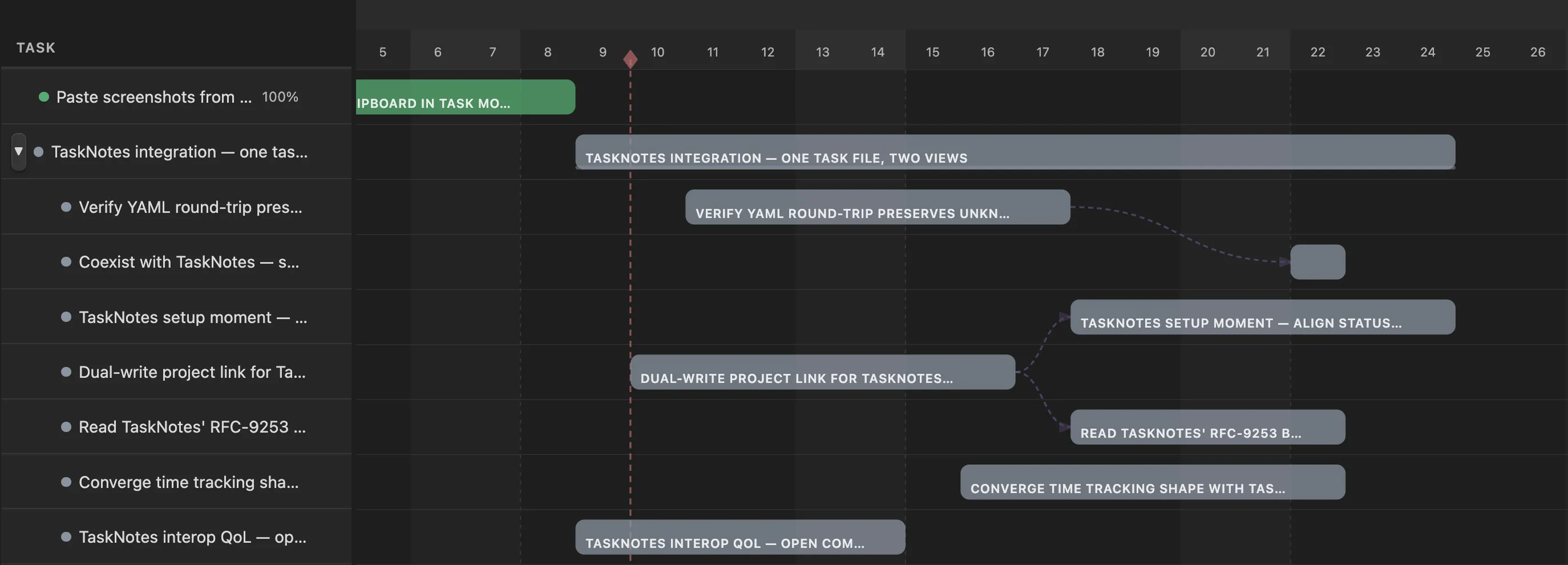
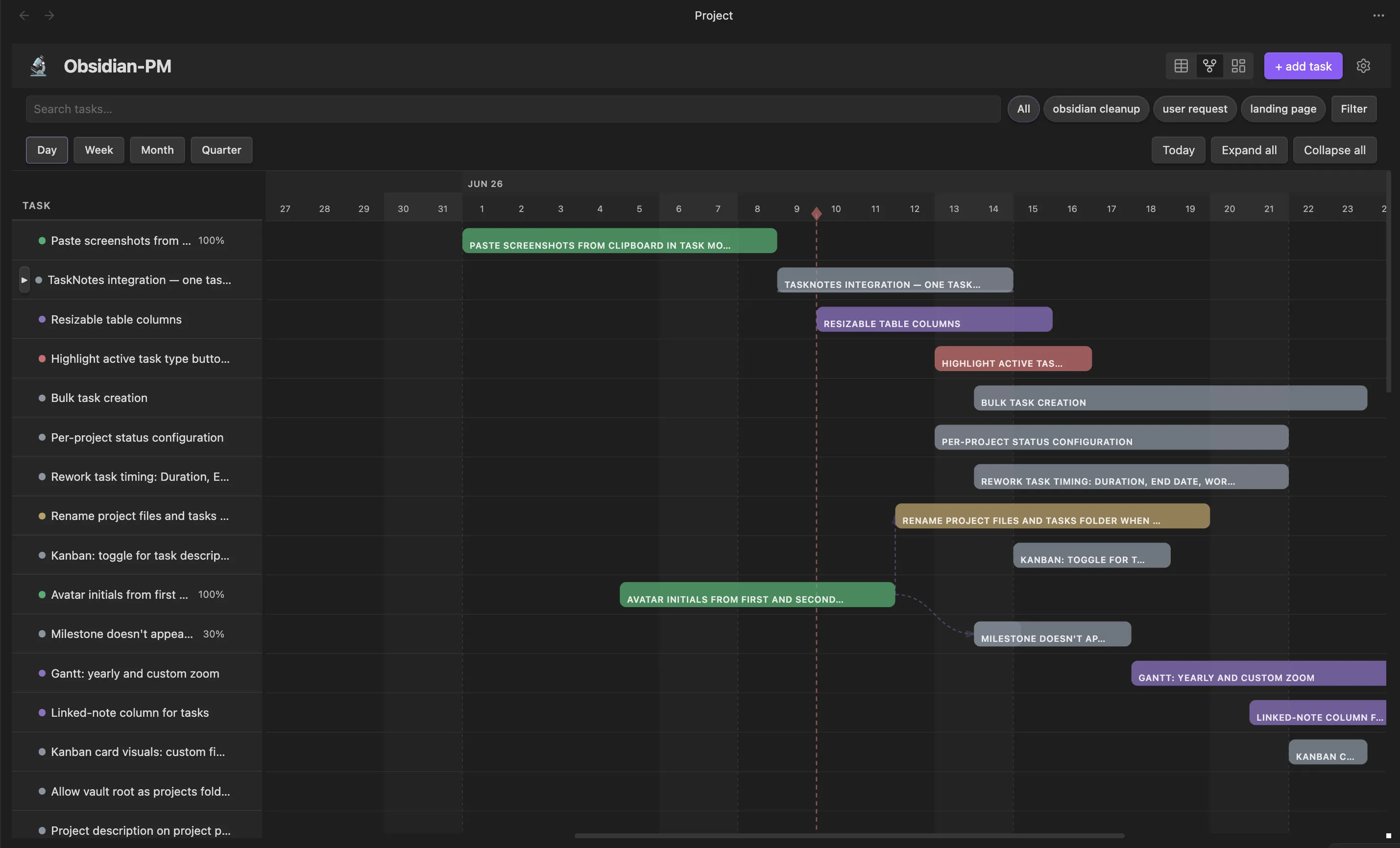
Gantt
Drag bars to reschedule, resize to change duration, switch granularity from day to quarter. Dependencies render as lines, and auto-schedule shifts dependents when a predecessor moves.
Read the docs arrow_forward

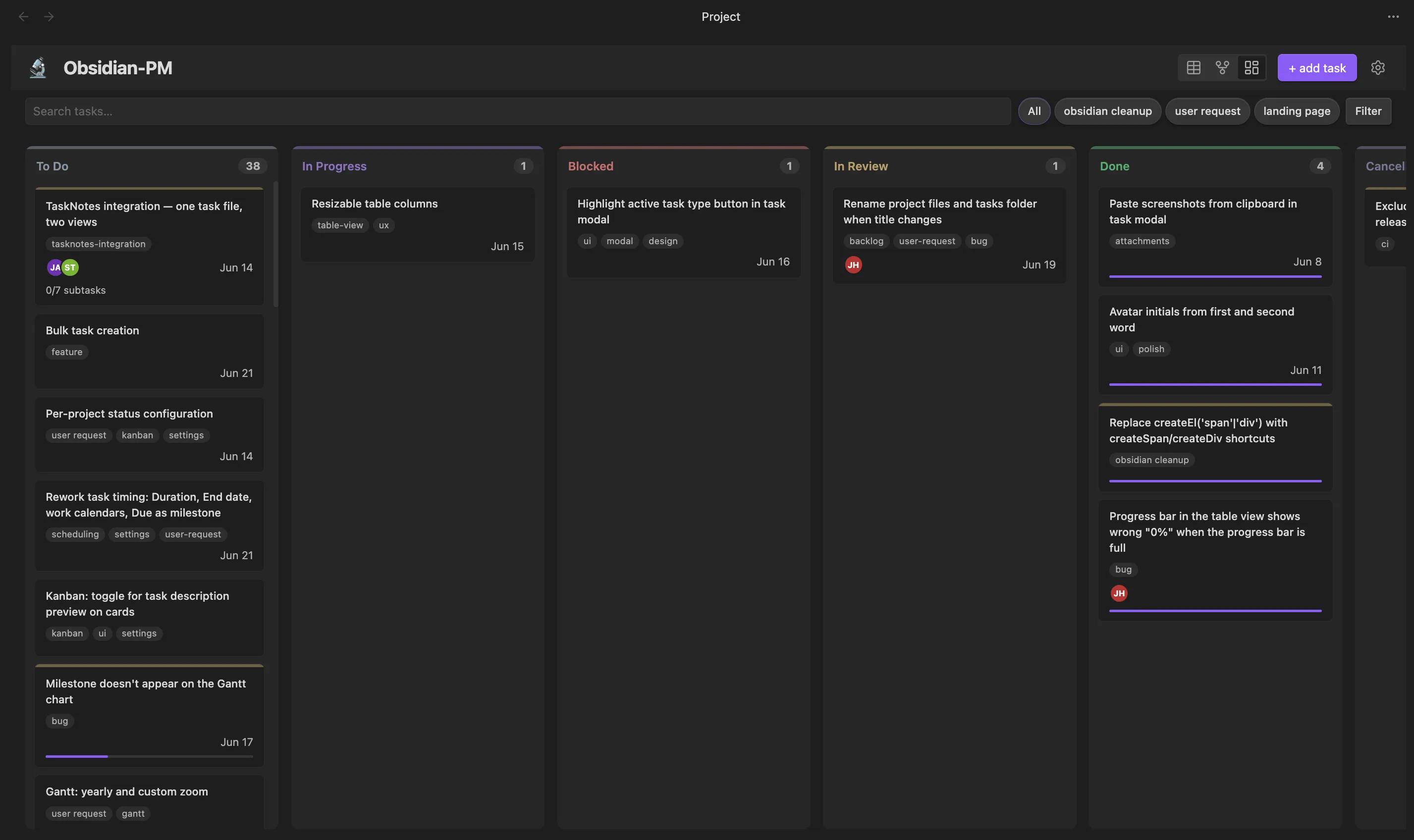
Kanban
Cards grouped by status, quick-add at the bottom of any column. Filters and saved views carry over from the table, so every view shows the same work from a different angle.
Read the docs arrow_forward

Typed fields per project — text, number, date, select, multi-select, person, checkbox, URL.
Save filters, sorts, and view mode. Switch between them with a click.
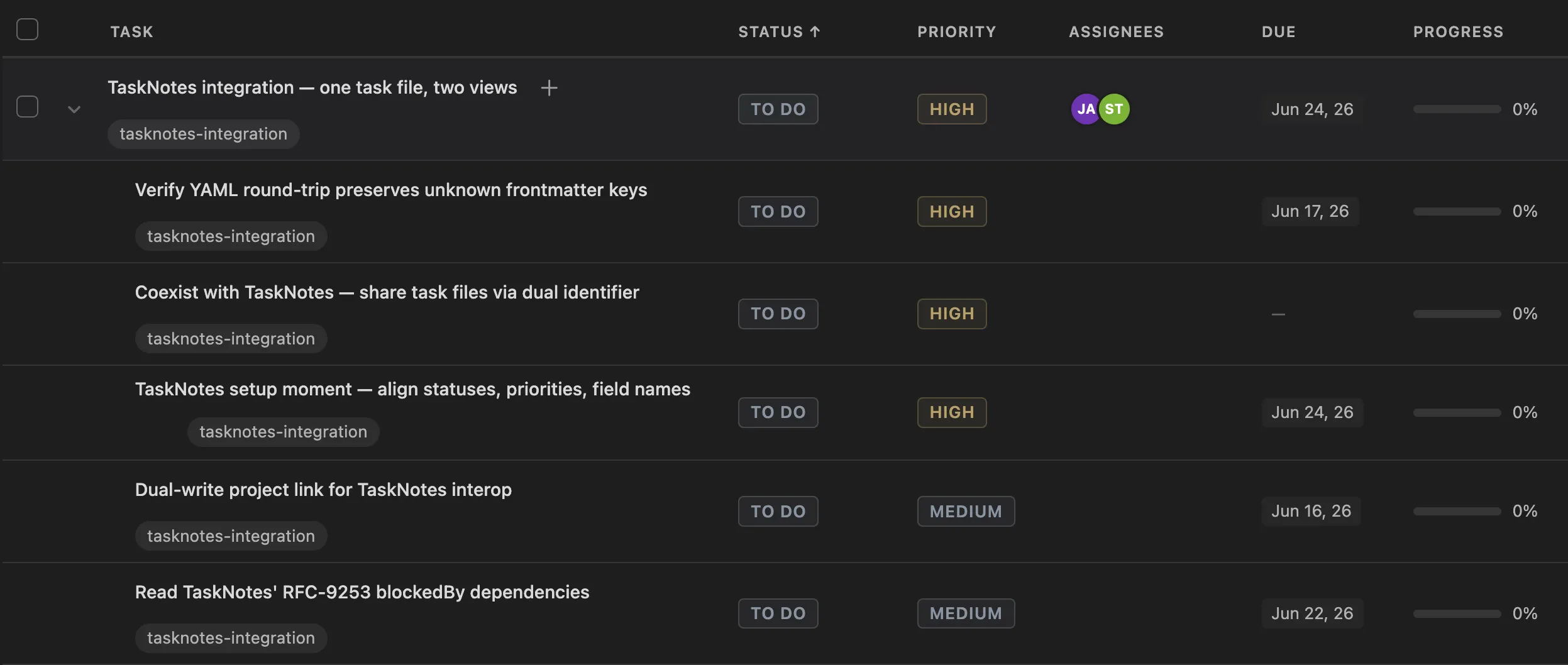
Nest tasks to any depth. Parent progress rolls up from children.
Link blockers. Auto-schedule shifts dependents when predecessors move.
Start a timer on any task. Log manually. Review estimated vs actual.
Capture a task without leaving the keyboard. Inline-edit status, priority, due date.
Multi-select and update status, priority, dates, assignees, tags, or archive in one move.
Looks at home in any Obsidian theme. Light or dark, your colors stay yours.
Every task is a markdown file you own. No database. No proprietary format.
Plan, edit, and track without a network connection. Sync however you already do.
Quick add, inline edit, and modal shortcuts. Mouse optional.
MIT licensed. Read the code, file issues, send a PR.
Star the repo. File an issue. Send a pull request.
Open Obsidian → Settings → Community plugins.
Click Browse and search "Project Manager".
Install, then enable.
Click the new ribbon icon to open your first project.